

LaserPecker
Cat Leather Pendant
How-to
- Machine
- LX1
- Material
- Leather
- Size
- 73 x 120 mm
- Software Used
- LaserPecker Design Space PC
- Production Time
- 15 min
- Engraving Difficulty
Design Files

2024/04/08 16:266
Introduction
Create a leather cat pendant.
How-to Tutorial
Step1:
Open the file and connect the machine. Begin by placing a piece of brown leather on the cutting plate. Adjust the focal length, verify the size, preview the position, and determine the engraving parameters. Once everything is set, proceed to start engraving and cutting.
Additionally, if you use different materials, you will need to adjust the parameters yourself.
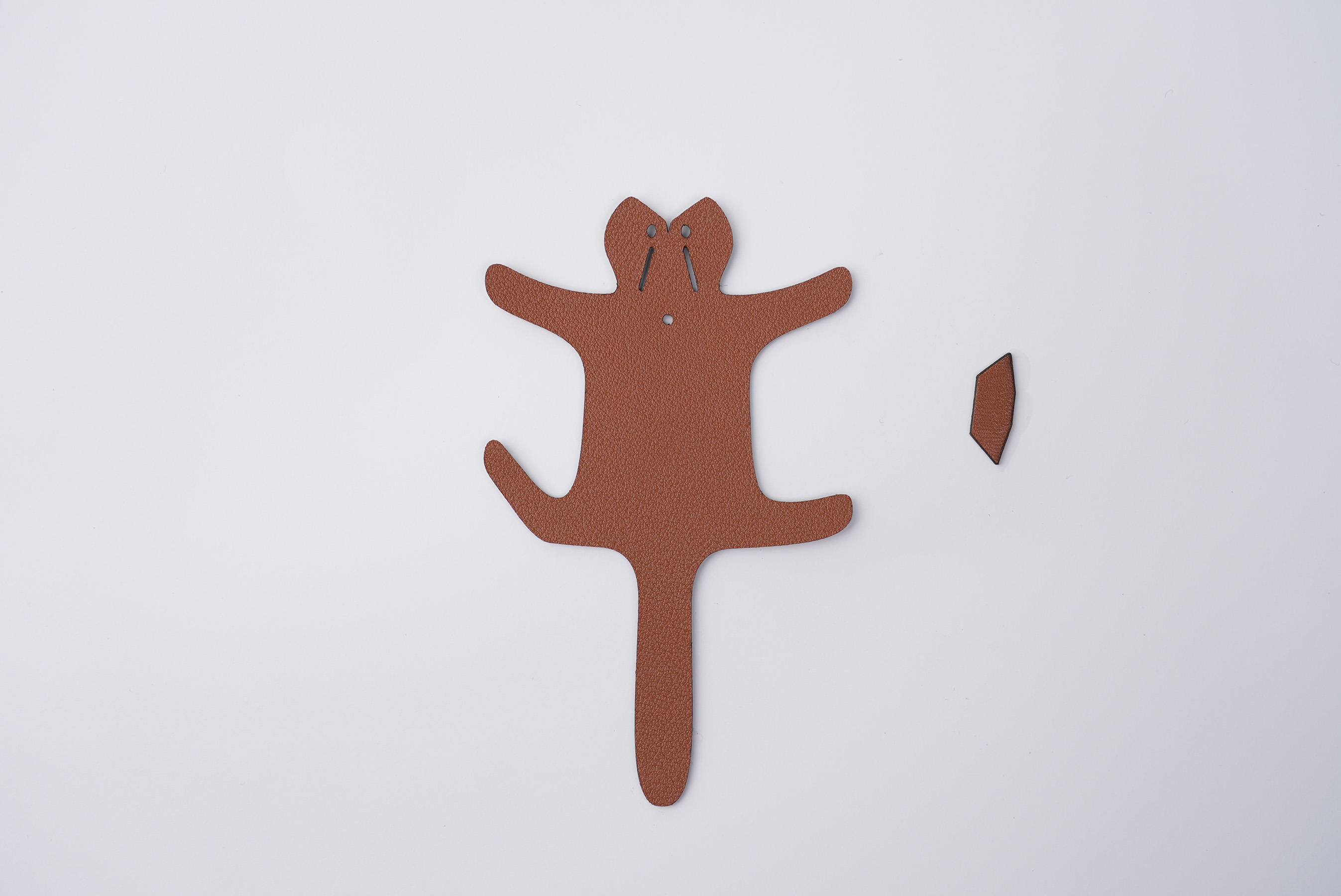
Once cut out, pass a thin cord through the neck region and symmetrically bond the cat's head and legs using glue. Your leather cat pendant is now fully assembled.
Settings 1
LineLeather
- Engraving Method
- Line
- Material
- Leather
- Power
- 60%
- Depth
- 62%
- Pass
- 1
- Acceleration Level
- 1
- Module Type
- 20 W 450 nm
Good Life
Animals

Comments