

LaserPecker
Wooden Rose
How-to
- Machine
- LX1
- Material
- Wood
- Size
- 328 x 190 mm
- Software Used
- LaserPecker Design Space PC
- Production Time
- 30 min
- Engraving Difficulty
Design Files

2024/02/27 16:4632
Introduction
With Women's Day just around the corner, let's create some fun wooden rose flowers to give as gifts to them!
How-to Tutorial
Step1:
Open the file and connect the machine. Begin by placing a 3mm basswood plank on the cutting plate. Adjust the focal length, verify the size, preview the position, and determine the engraving parameters. Once everything is set, proceed to start cutting.
If you're using planks or materials of different thicknesses, remember to adjust the parameters accordingly.
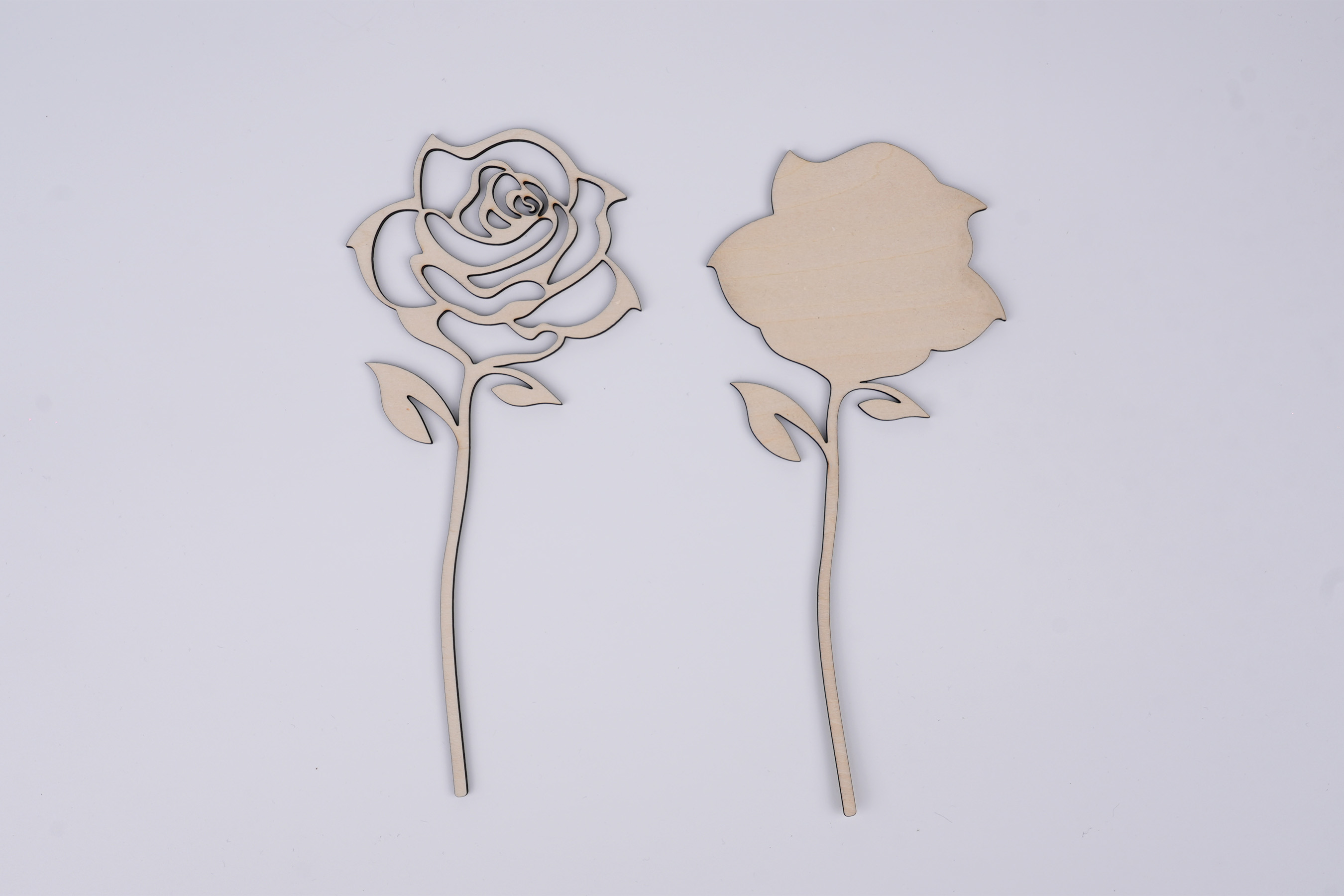
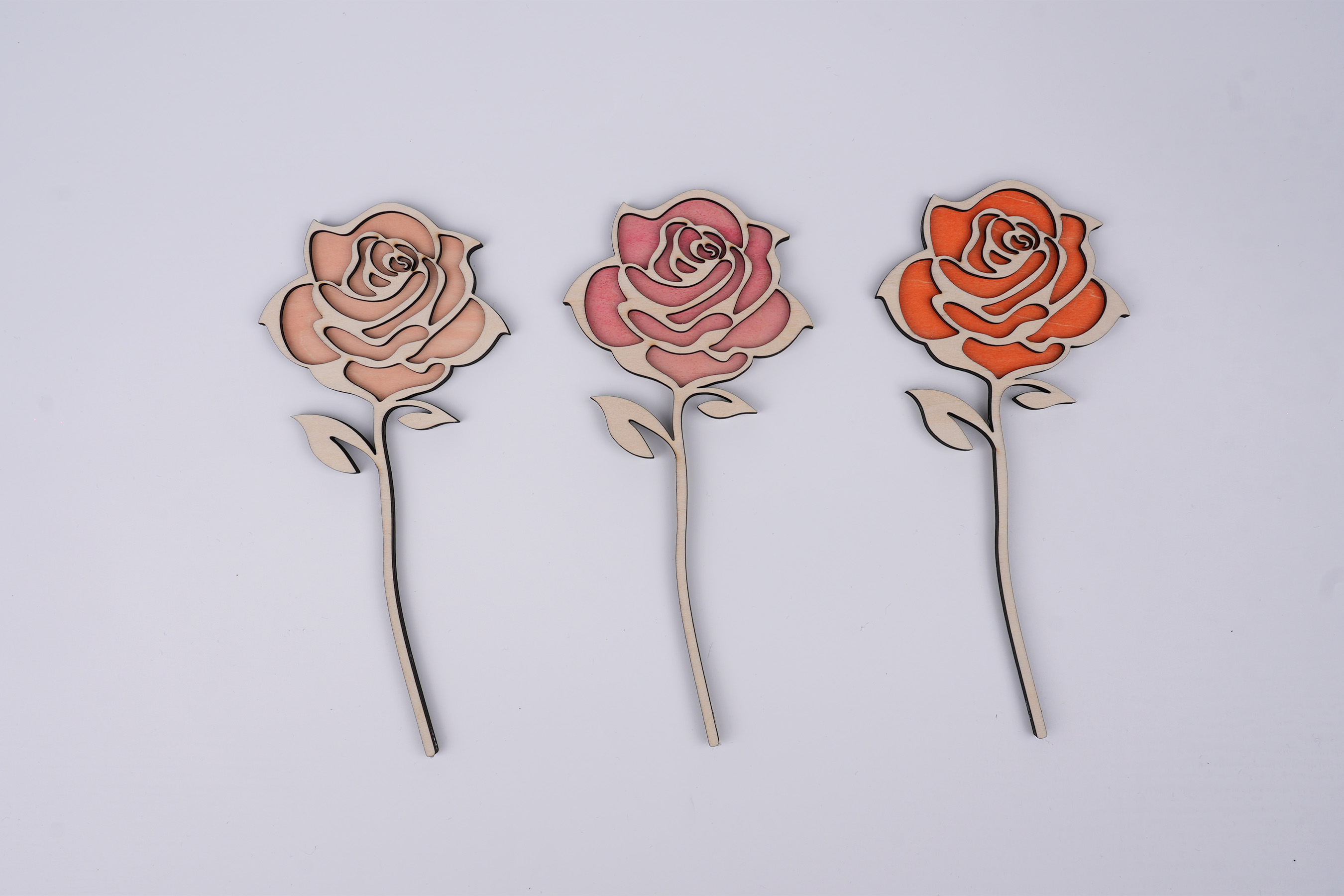
After applying color to the bottom layer, adhere it to the upper wooden piece, and the wooden rose flower will be complete.
Settings 1
LineWood
- Engraving Method
- Line
- Material
- Wood
- Power
- 70%
- Depth
- 80%
- Pass
- 1
- Acceleration Level
- 1
- Module Type
- 20 W 450 nm
Good Life
Flower

Comments