

LaserPecker
Christmas Coloured Greeting Card
How-to
- Machine
- LP4
- Material
- Paper
- Size
- 105 x 40 mm
- Material Information
- Colorful Gold-Plated Greeting Card
- Software Used
- LaserPecker Design Space PC
- Production Time
- 10 min
- Engraving Difficulty
Design Files

2023/12/21 14:1410
Introduction
With the festive season just around the corner, express your holiday cheer by creating a beautiful and imaginative Christmas card for your friends. Follow these simple steps.
How-to Tutorial
Step1:
Begin by placing the greeting card on the base. Open the file, adjust the focus, verify the size, preview the position, and determine the engraving parameters. Once everything is set, let the carving begin.
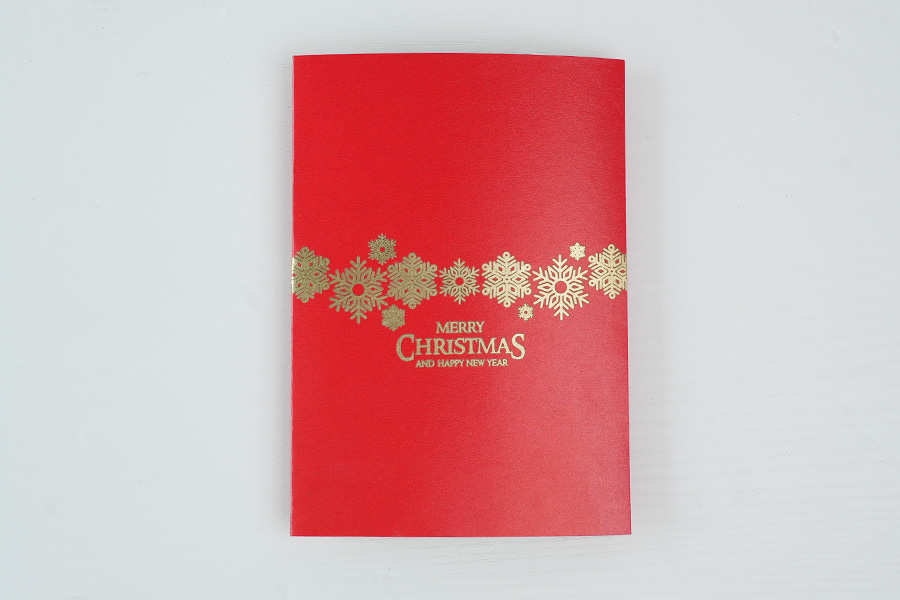
The cover with golden patterns is ready.
Settings 1
FillPaper
- Engraving Method
- Fill
- Material
- Paper
- Resolution
- 2 K
- Power
- 3%
- Depth
- 9%
- Pass
- 1
- Module Type
- 10 W 450 nm
Step2:
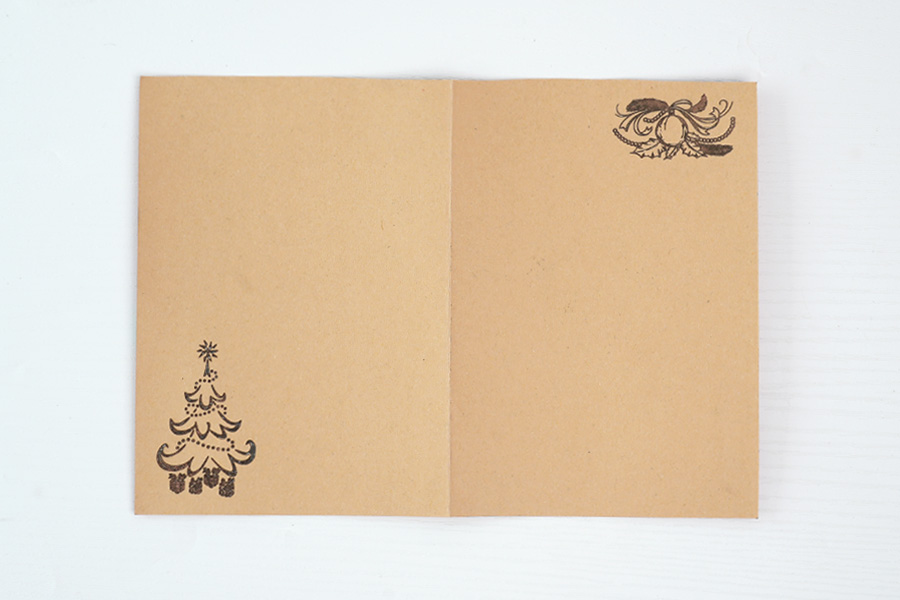
Use the new engraving parameters to carve patterns on the inner pages.
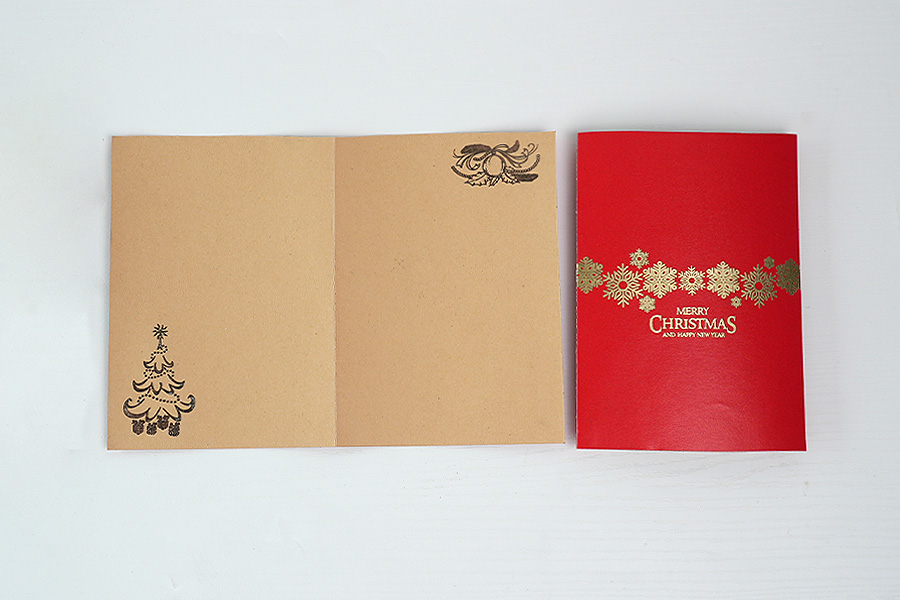
Behold, your uniquely crafted and beautiful greeting card is now ready to spread joy and warmth. Share the festive spirit with your friends through this personalized creation.
Settings 1
FillPaper
- Engraving Method
- Fill
- Material
- Paper
- Resolution
- 2 K
- Power
- 100%
- Depth
- 5%
- Pass
- 1
- Module Type
- 10 W 450 nm
Step3: Note
If you're using different materials, remember to adjust the parameters accordingly.
Christmas
Greeting Card

Comments