
Woman Earrings

Basic Information
| MachineLX1 |
| MaterialWood |
| Size70 x 86 mm |
| Software UsedLaserPecker Design Space PC |
| Production Time20 min |
| Engraving Difficulty |
How-to Tutorial
Step 1
Open the file and connect the machine. Begin by placing a 1.5mm basswood plank on the cutting plate. Adjust the focal length, verify the size, preview the position, and determine the engraving parameters. Once everything is set, proceed to start engraving and cutting.
If you're using planks or materials of different thicknesses, remember to adjust the parameters accordingly.
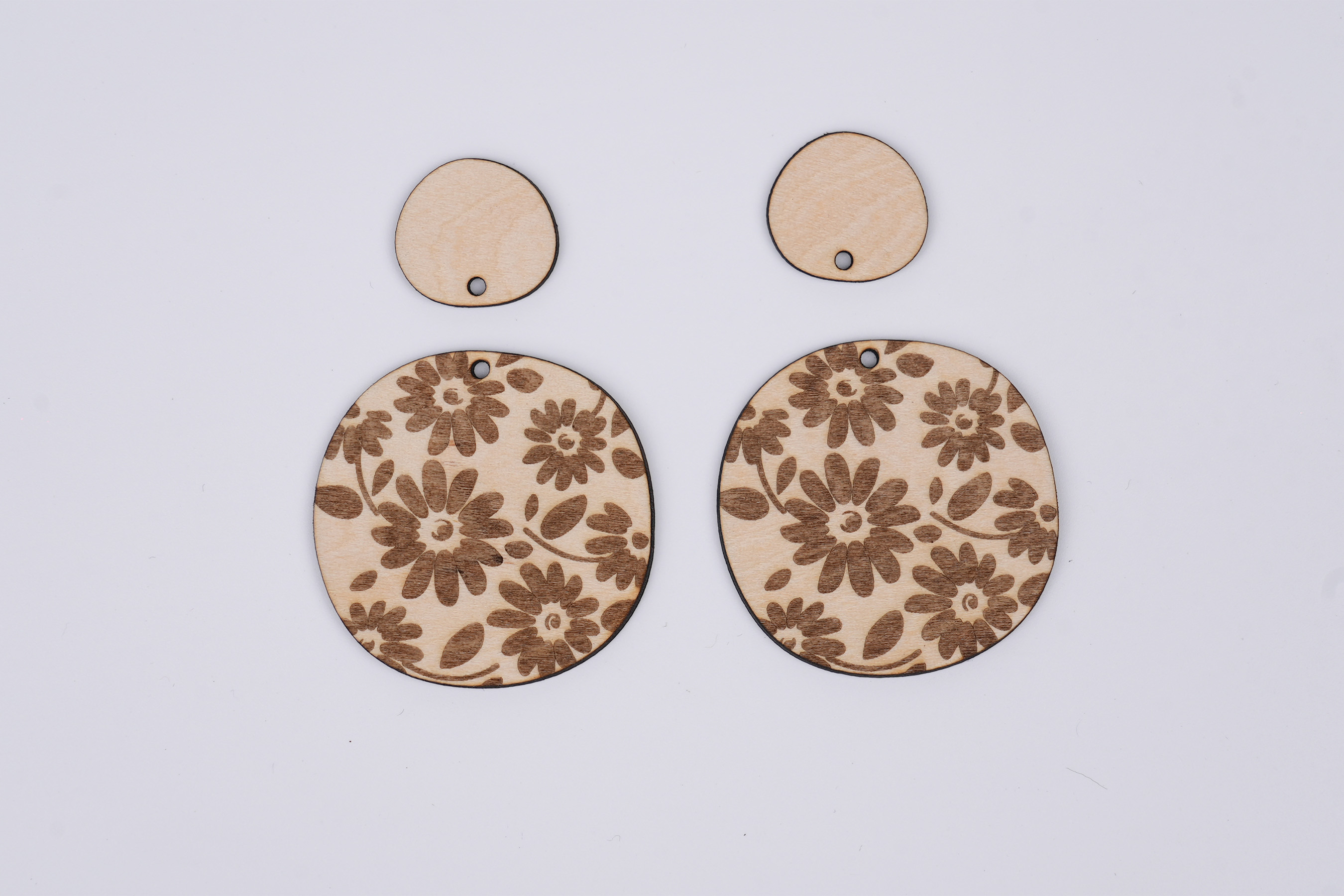
Settings 1
| Engraving MethodFill |
| MaterialWood |
| Resolution2 K |
| Power30% |
| Depth2% |
| Pass1 |
| Acceleration Level1 |
| Module Type20 W 450 nm |
Settings 2
| Engraving MethodLine |
| MaterialWood |
| Power70% |
| Depth80% |
| Pass1 |
| Acceleration Level1 |
| Module Type20 W 450 nm |
Step 2
Open another file. Begin by placing the kraft paper on the cutting plate. Adjust the focal length, verify the size, preview the position, and determine the engraving parameters. Once everything is set, proceed to start engraving and cutting.
Additionally, if you use different materials, you will need to adjust the parameters yourself.
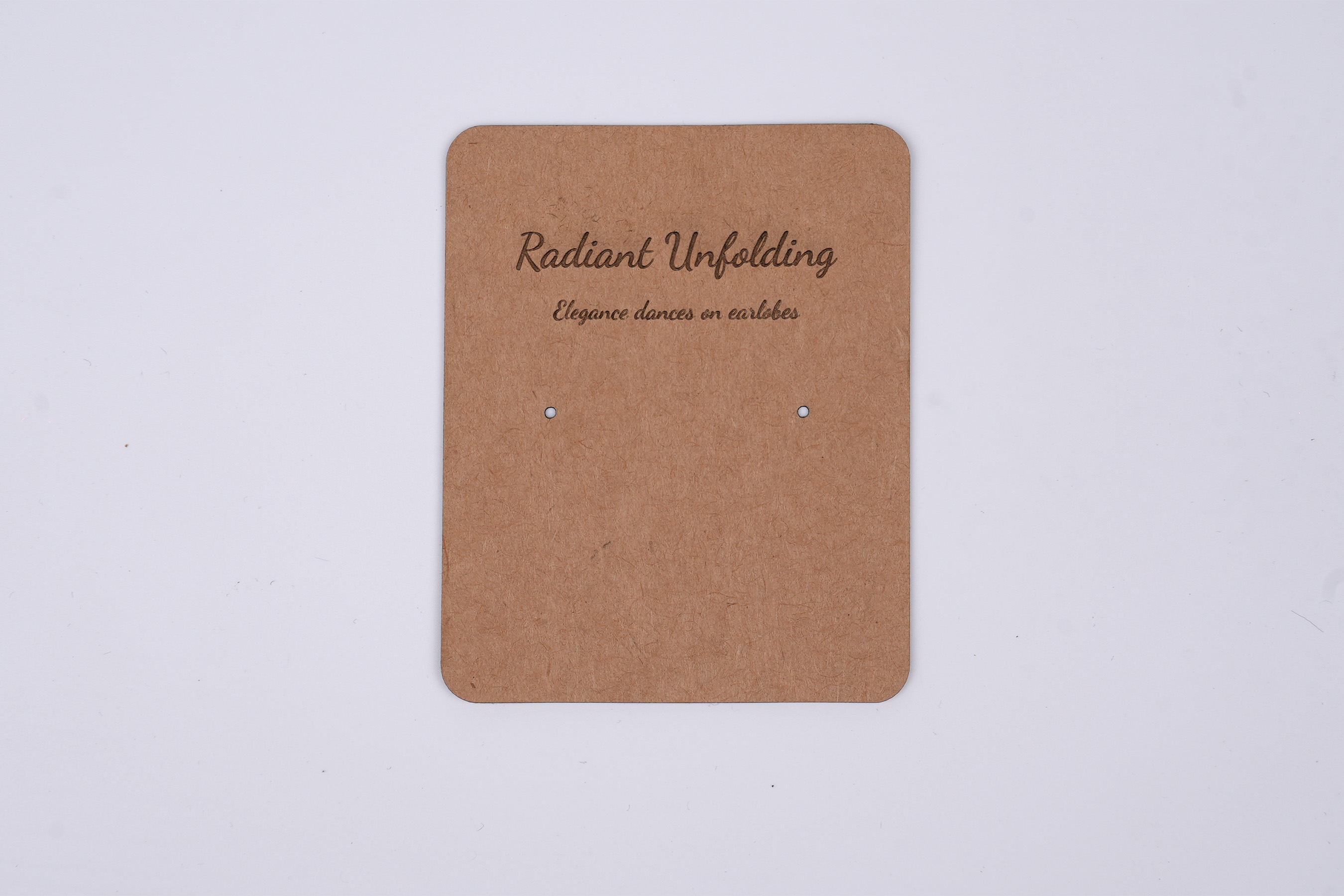
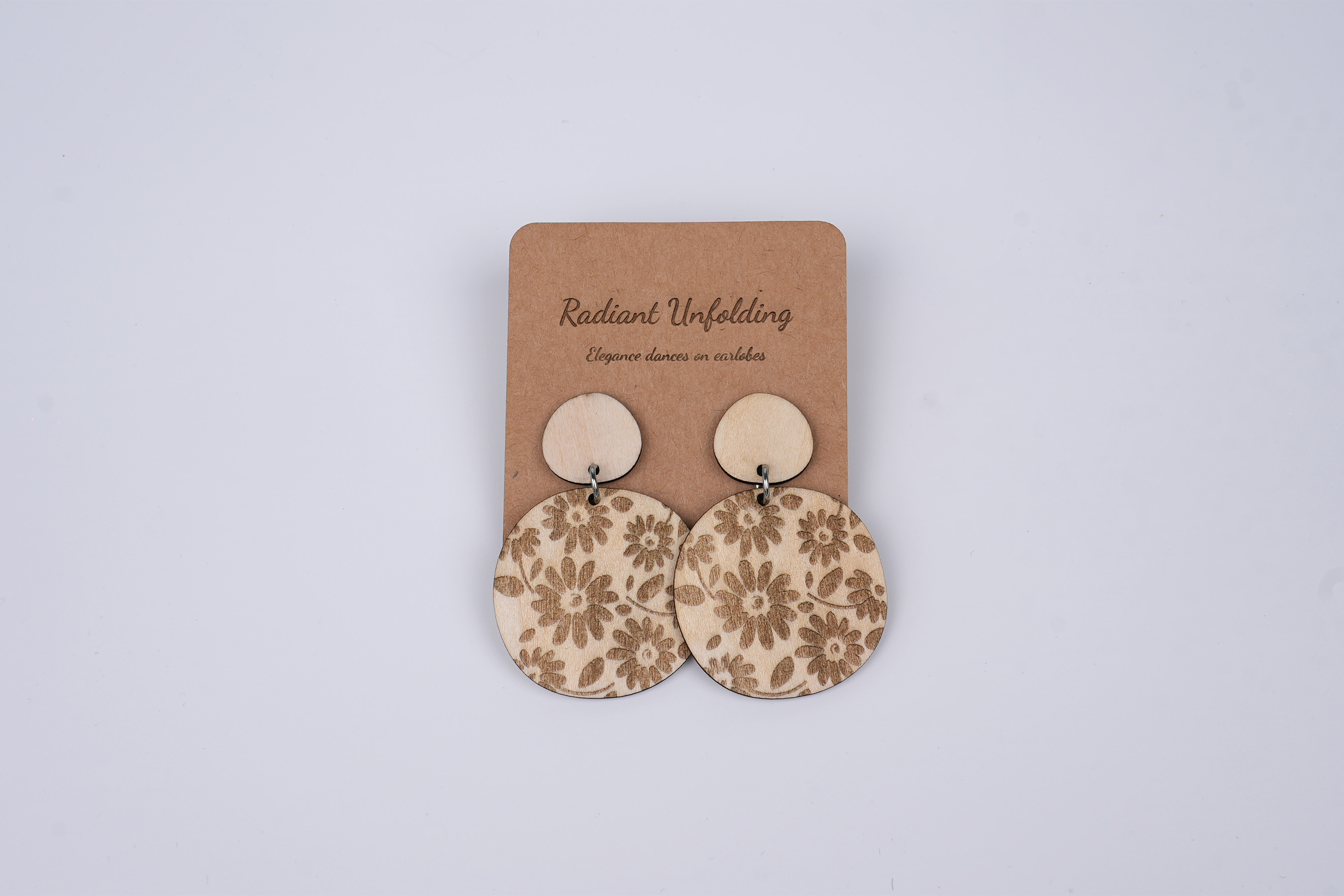
The earring parts were combined with small wooden chips, and then securely fastened onto a leather paper backing. With this, a unique pair of wooden earring gifts was successfully created.
Settings 1
| Engraving MethodFill |
| MaterialPaper |
| Resolution2 K |
| Power50% |
| Depth2% |
| Pass1 |
| Acceleration Level1 |
| Module Type20 W 450 nm |
Settings 2
| Engraving MethodLine |
| MaterialPaper |
| Power100% |
| Depth10% |
| Pass1 |
| Acceleration Level1 |
| Module Type20 W 450 nm |
Design Files
LaserPecker Design Space V2.5.1 or above is recommended.

