Open in LDS
Chinese Dragon Year Paper Cutting
How-to

LaserPecker
2024/02/02 14:25 31
The traditional Chinese New Year is fast approaching, so let's create a beautiful red paper cutting to decorate our homes in celebration!
Basic Information
| MachineLX1 |
| MaterialPaper |
| Size197 x 199 mm |
| Software UsedLaserPecker Design Space PC |
| Production Time15 min |
| Engraving Difficulty |
How-to Tutorial
Step 1
Open the file and connect the machine. Begin by placing the red paper on the cutting plate. Adjust the focal length, verify the size, preview the position, and determine the engraving parameters. Once everything is set, proceed to start cutting.
Additionally, if you use different materials, you will need to adjust the parameters yourself.
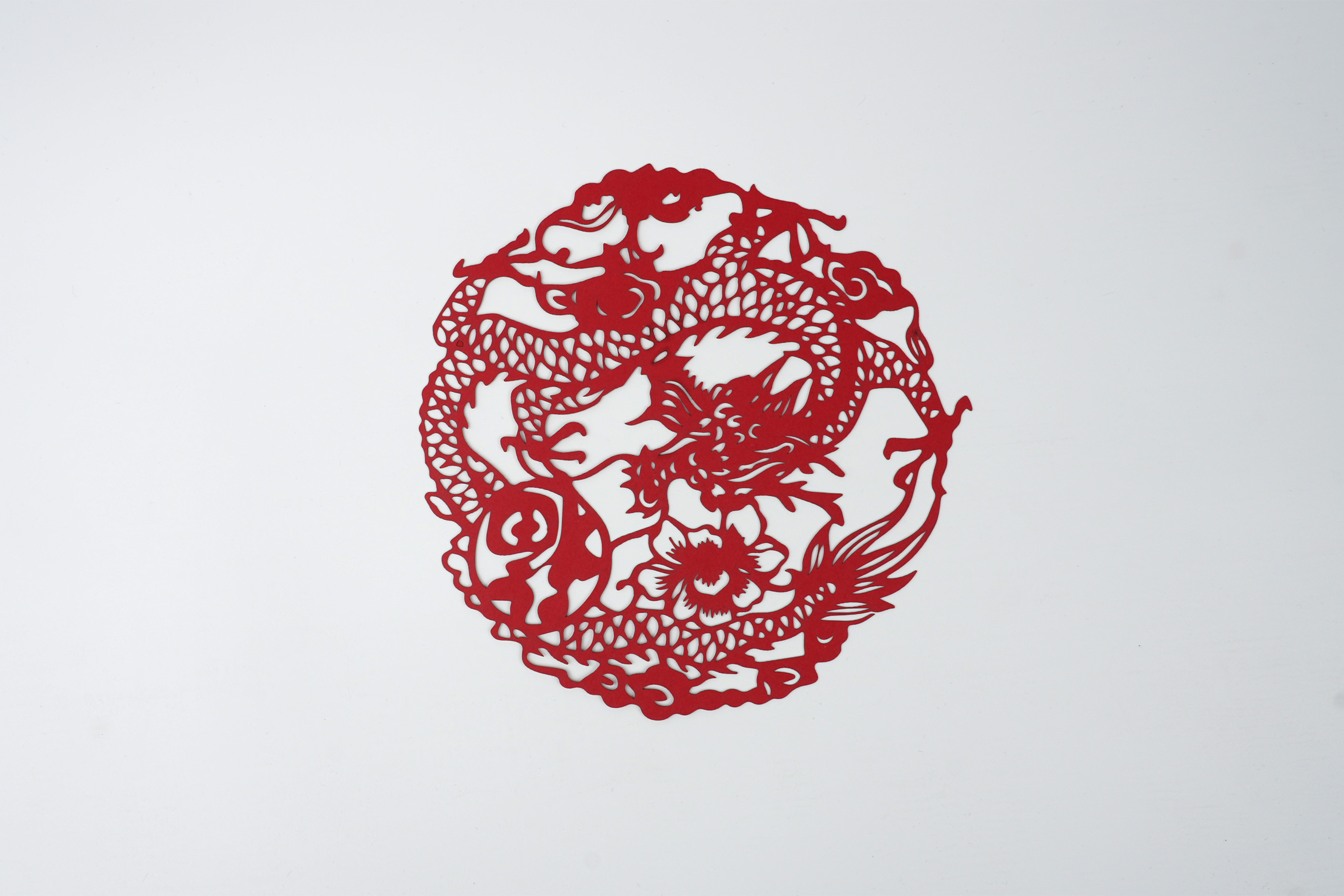
After cutting, you can paste it on the window or wall.
Settings 1
| Engraving MethodLine |
| MaterialPaper |
| Power100% |
| Depth10% |
| Pass1 |
| Acceleration Level1 |
| Module Type20 W 450 nm |
Design Files
LaserPecker Design Space V2.5.1 or above is recommended.

c0bd8672c5fc4fe6bc99fb9b2610665b__%3AChinese%20Dragon%20Year%20Paper%20Cutting.lp2
Open in LDSDownload
5
Happy New Year
Good Life