
Open in LDS
Valentine's Day Card
How-to

LaserPecker
2024/01/19 19:16 1
Soon, Valentine's Day will be here. Make a Valentine's Day card for your lover and write a message to send to her.
Basic Information
| MachineLX1 |
| MaterialPaper |
| Size210 x 309 mm |
| Software UsedLaserPecker Design Space PC |
| Production Time15 min |
| Engraving Difficulty |
How-to Tutorial
Step 1
Begin by placing the white and red paper on the cutting plate. Adjust the focal length, verify the size, preview the position, and determine the engraving parameters. Once everything is set, proceed to start cutting.
If you're using different materials, remember to adjust the parameters accordingly.
Settings 1
| Engraving MethodFill |
| MaterialPaper |
| Resolution2 K |
| Power20% |
| Depth2% |
| Pass1 |
| Acceleration Level1 |
| Module Type20W 1064nm |
Settings 2
| Engraving MethodLine |
| MaterialPaper |
| Power100% |
| Depth10% |
| Pass1 |
| Acceleration Level1 |
| Module Type20W 1064nm |
Step 2
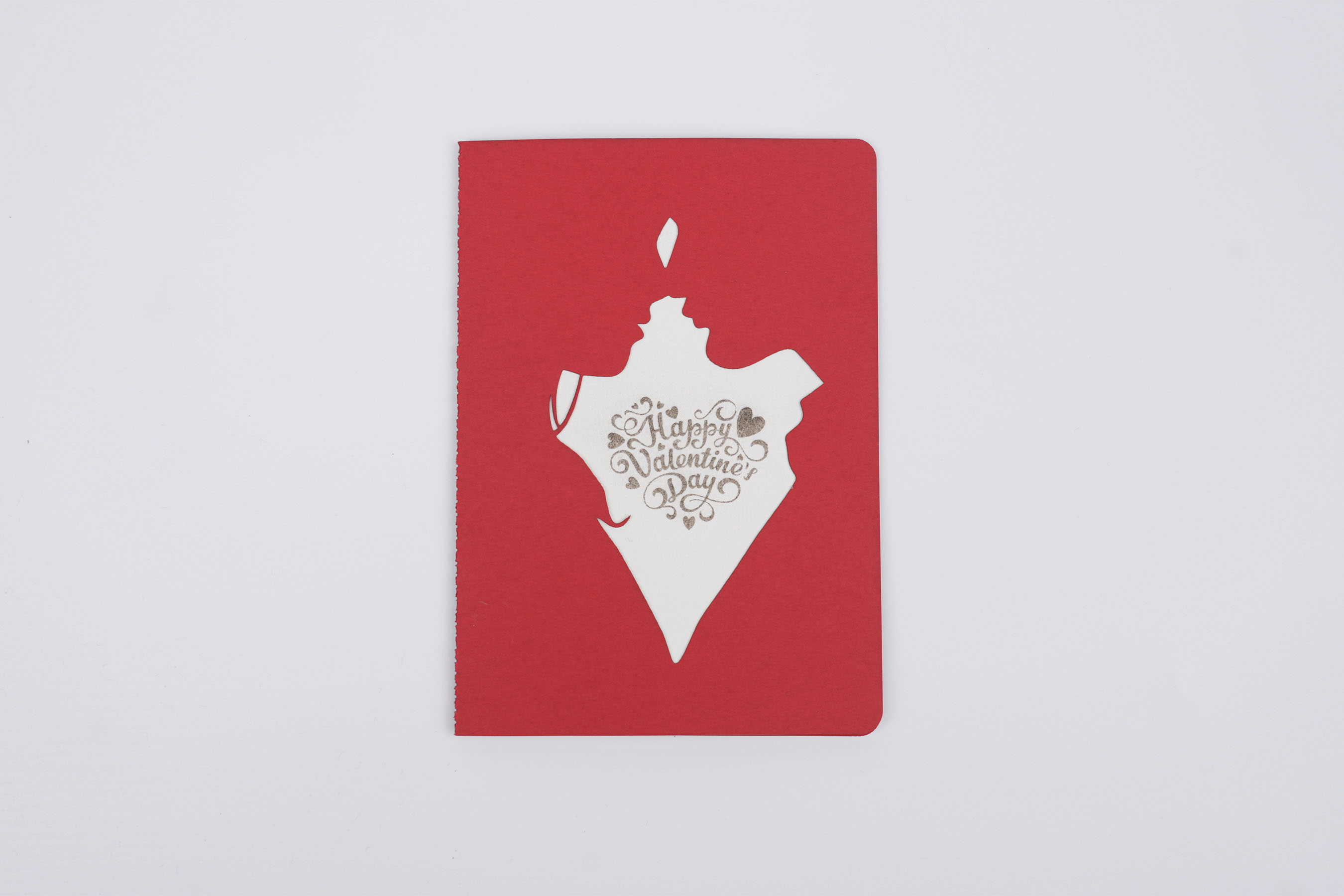
Lay the two pieces flat and glue them together, and the greeting card is ready. Go ahead and write to your lover.
Design Files
LaserPecker Design Space V2.5.1 or above is recommended.

Valentine's Day Card.lp2
Open in LDSDownload
13
Love
Valentine's Day
