
Ring Storage Case

Basic Information
| MachineLX1 |
| MaterialWood |
| Size200 x 185 mm |
| Material Information3mm Basswood Plank |
| Production Time30 min |
| Engraving Difficulty |
How-to Tutorial
Step 1
Open the file and connect the machine. Begin by placing a 3mm basswood plank on the cutting plate. Adjust the focal length, verify the size, preview the position, and determine the engraving parameters. Once everything is set, proceed to start engraving and cutting.
This file is only applicable to 3mm basswood planks. Other thicknesses of wood may not be able to be assembled. Additionally, if you use different materials, you will need to adjust the parameters yourself.
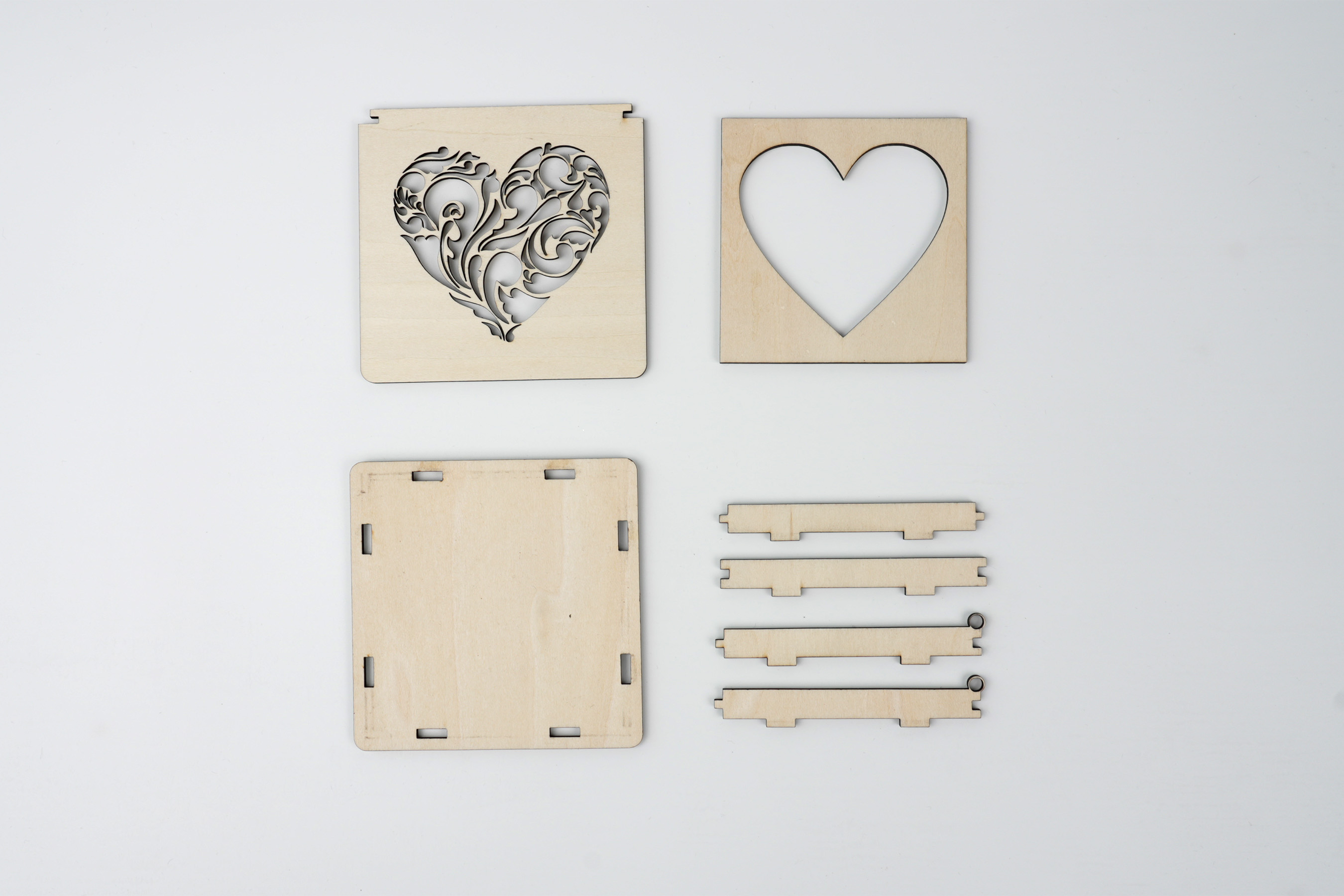
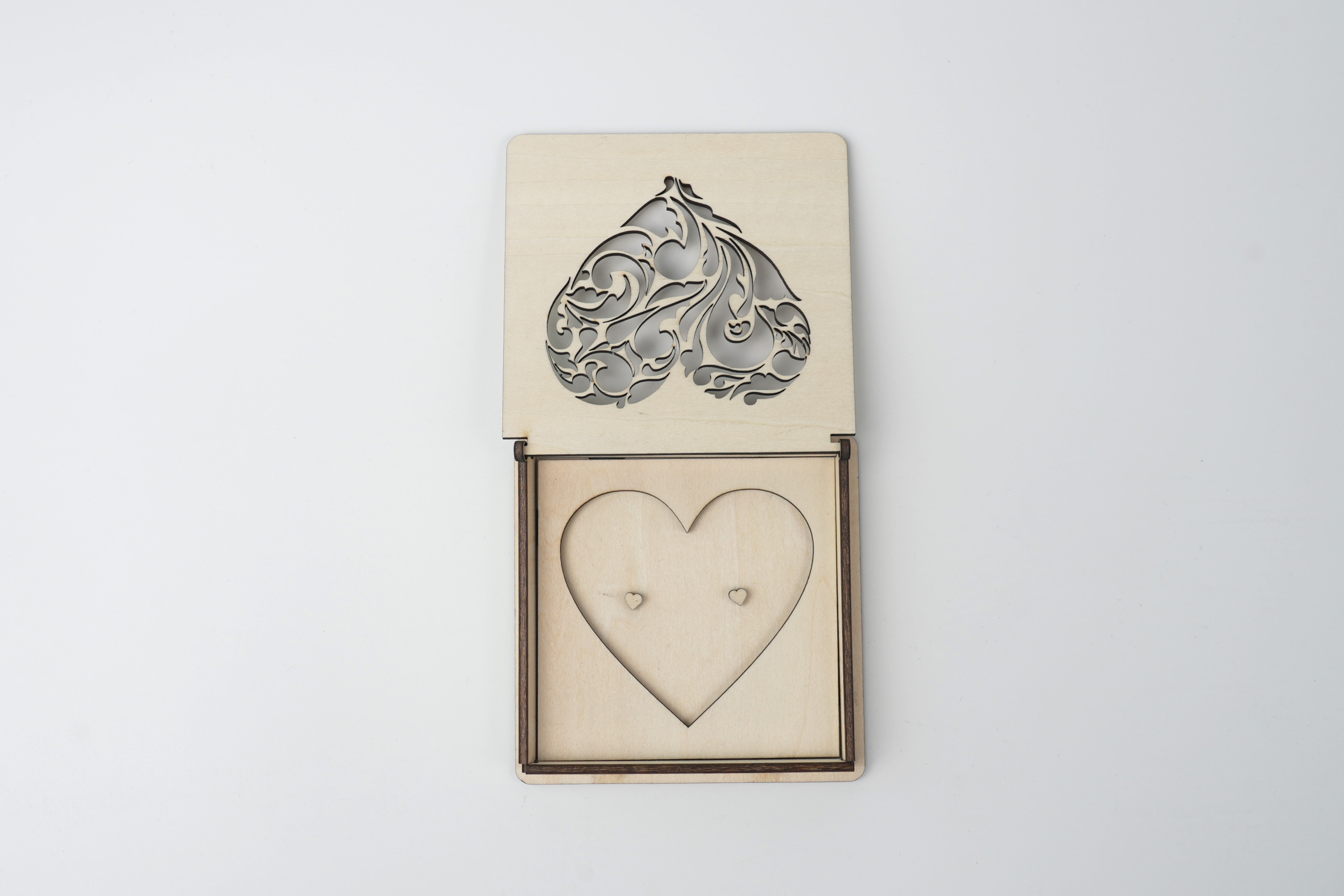
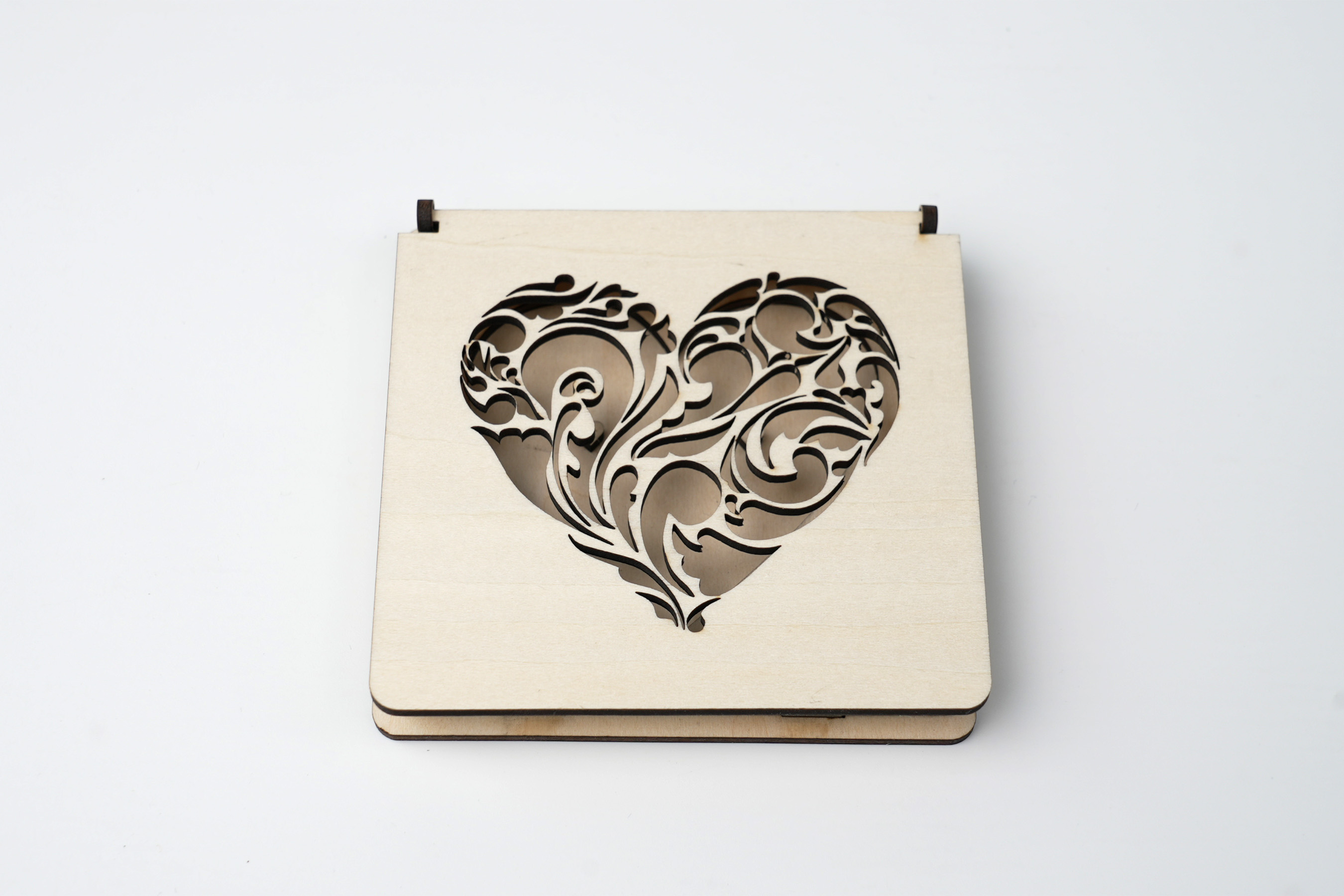 As shown in the figure, splice the base together and fill the gap of the bottom plate with glue. Paste the two heart-shaped wooden pieces at the fixed positions in the center. After putting on the cover, you can store the rings in it.
Settings 1
| Engraving MethodLine |
| MaterialWood |
| Power70% |
| Depth80% |
| Pass1 |
| Acceleration Level1 |
| Module Type20 W 450 nm |
Design Files
LaserPecker Design Space V2.5.1 or above is recommended.

