
Open in LDS
Patterned Paper Bookmark
How-to

LaserPecker
2024/01/13 15:13 33
Make a paper bookmark to use while reading.
Basic Information
| MachineLX1 |
| MaterialPaper |
| Size164 x 118 mm |
| Production Time5 min |
| Engraving Difficulty |
How-to Tutorial
Step 1
Begin by placing the black paper on the cutting plate. Adjust the focal length, verify the size, preview the position, and determine the engraving parameters. Once everything is set, proceed to start cutting.
If you're using different materials, remember to adjust the parameters accordingly.
Settings 1
| Engraving MethodLine |
| MaterialPaper |
| Power100% |
| Depth10% |
| Pass1 |
| Acceleration Level1 |
| Module Type20 W 450 nm |
Step 2
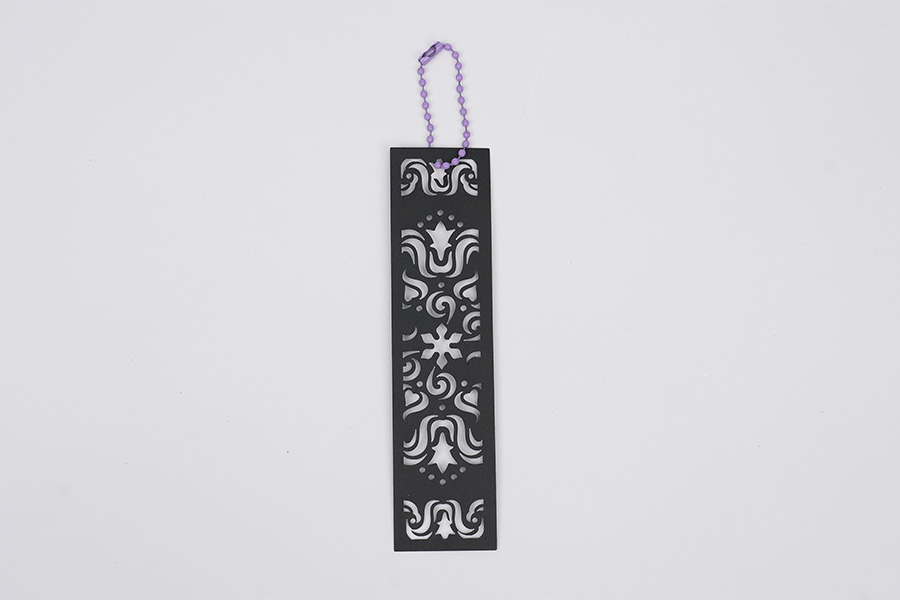
Adding a lanyard makes it easier to use. We have other patterns on the file, go ahead and try it out.
Design Files
LaserPecker Design Space V2.5.1 or above is recommended.

Patterned Paper Bookmark.lp2
Open in LDSDownload
14
Bookmark
Pattern
