

LaserPecker
Valentine's Day Card
ハウツー
- 機器
- LX1
- 材質
- 紙
- サイズ
- 210 x 309 mm
- 使用ソフト
- LaserPecker Design Space PC
- 制作時間
- 15 分
- 彫刻の難易度
デザインファイル

2024/01/19 19:171
紹介
Soon, Valentine's Day will be here. Make a Valentine's Day card for your lover and write a message to send to her.
操作説明
ステップ1:
Begin by placing the white and red paper on the cutting plate. Adjust the focal length, verify the size, preview the position, and determine the engraving parameters. Once everything is set, proceed to start cutting.
If you're using different materials, remember to adjust the parameters accordingly.
設定 1
塗りつぶし紙
- 彫刻方法
- 塗りつぶし
- 加工素材
- 紙
- 解像度
- 2 K
- 電力
- 20%
- 深さ
- 2%
- 彫刻回数
- 1
- 加速レベル
- 1
- モジュールタイプ
- 20W 1064nm
設定 2
線紙
- 彫刻方法
- 線
- 加工素材
- 紙
- 電力
- 100%
- 深さ
- 10%
- 彫刻回数
- 1
- 加速レベル
- 1
- モジュールタイプ
- 20W 1064nm
ステップ2:
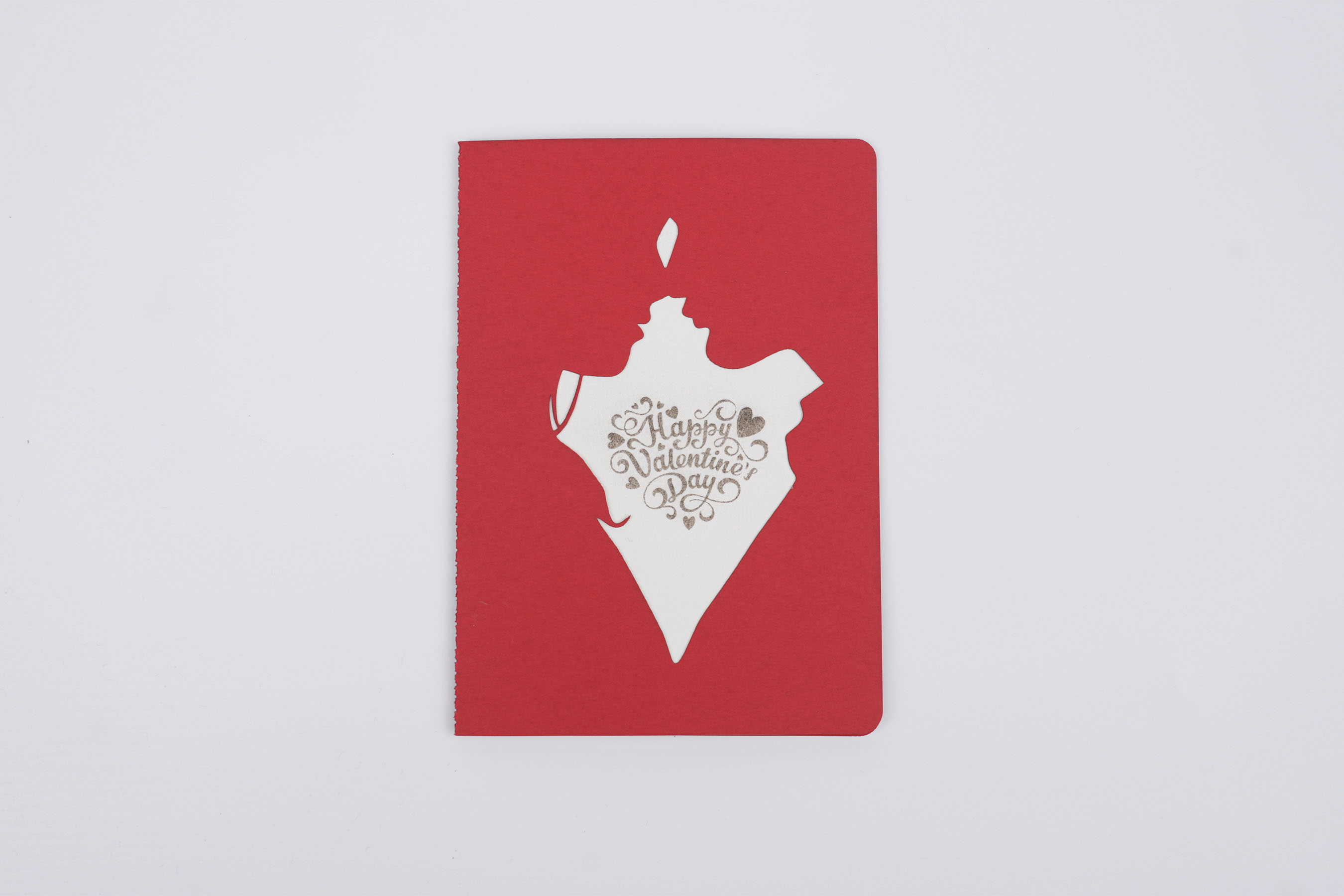
Lay the two pieces flat and glue them together, and the greeting card is ready. Go ahead and write to your lover.
Love
Valentine's Day

コメントリスト